Outdoor Pitstop

Short answer
Outdoor Pitstop is a walking app with teams: you can form a team with friends, family or your walking or cycling club and earn points together. Everything members contribute, such as a photo, a review or a new pitstop, earns XP for the team. With enough team XP the team grows through ten levels, each with its own animal, from The Ant to The Golden Eagle.
What is a team in the Outdoor Pitstop walking app?
A team in Outdoor Pitstop is a group of app users who earn points together. You can be in one team at a time. A team has a unique name of 2 to 30 characters and belongs to the country of its creator's home town. Inside the team you see the members with their level, what everyone has done, a team chat and a team map with the places where the team added pitstops, photos and reviews.
Joining a team is free. Creating a team, or becoming an admin or captain, needs Pro. Pro is not on sale yet: everyone who signs up gets 4 weeks of Pro, and anyone who reaches level 4 within that time keeps Pro for good. More about this is on the Outdoor Pitstop pricing page.
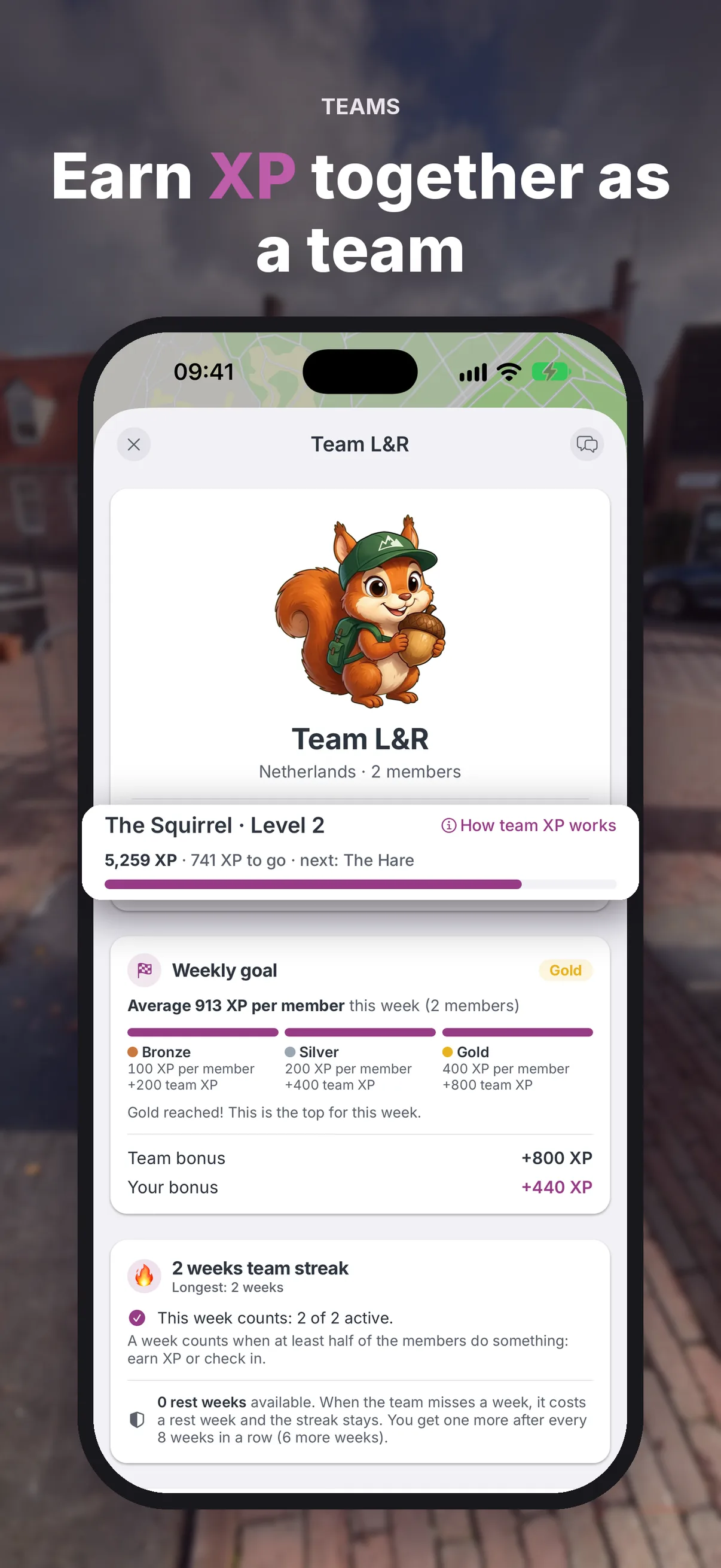
Image: Outdoor Pitstop
How a team grows: ten animals as levels
Every XP a member earns while in the team also counts for the team in Outdoor Pitstop. XP from before you joined does not count. If you leave, the XP you earned for the team stays with the team, and a team never drops a level. The thresholds per level are fixed in Outdoor Pitstop:
| Level | Animal | From team XP |
|---|---|---|
| 1 | The Ant | 0 |
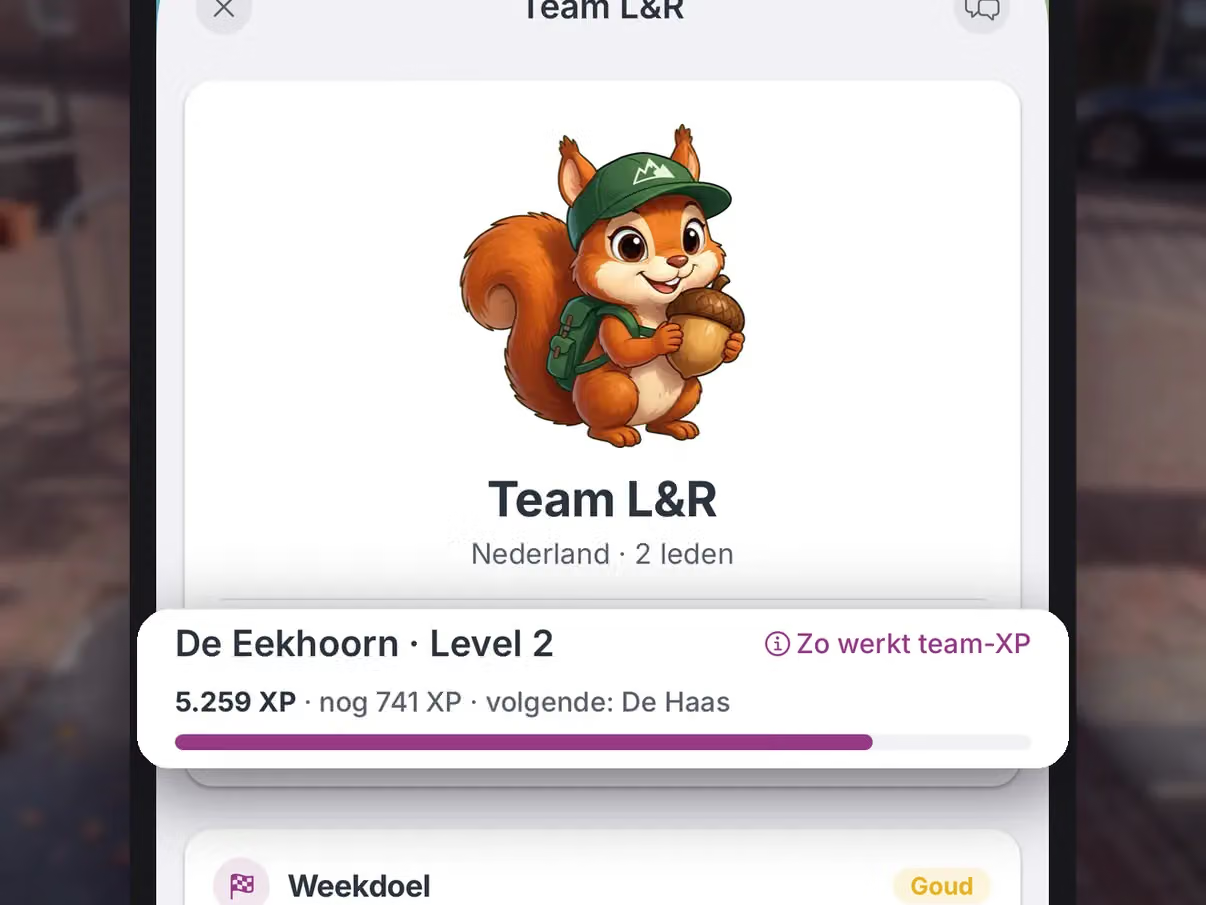
| 2 | The Squirrel | 2,000 |
| 3 | The Hare | 6,000 |
| 4 | The Fox | 15,000 |
| 5 | The Beaver | 30,000 |
| 6 | The Deer | 60,000 |
| 7 | The Badger | 120,000 |
| 8 | The Wolf | 240,000 |
| 9 | The Brown Bear | 500,000 |
| 10 | The Golden Eagle | 1,000,000 |
Source: Outdoor Pitstop, 25 November 2026.
What each animal stands for is on the page how team XP works. How much XP you earn yourself for a photo, a review or a new pitstop is on how XP works.
The weekly goal of a team
Every team in Outdoor Pitstop with at least 2 members has a weekly goal. The goal looks at the average XP per member that week, so a small team has the same chance as a large one.
| Weekly goal | Average per member | Bonus for the team |
|---|---|---|
| Bronze | 100 XP | +200 team XP |
| Silver | 200 XP | +400 team XP |
| Gold | 400 XP | +800 team XP |
Source: Outdoor Pitstop, 25 November 2026. Only the highest bonus of the week counts.
Members who earned XP themselves that week also get half of the team bonus as their own XP. Anyone who did nothing gets nothing extra.
Team streak and high fives
Besides the weekly goal, a team in Outdoor Pitstop keeps a team streak: the number of weeks in a row the team was active. A week counts when at least half of the members earn XP or check in. If the team misses a week, it uses up a rest week and the streak stays. After every 8 weeks in a row the team gets one more rest week.
In the team activity list you see who added a pitstop, posted a photo or wrote a review, and you can give them a high five. Your check-ins are only visible to your team if you switch that on yourself; it is off by default.
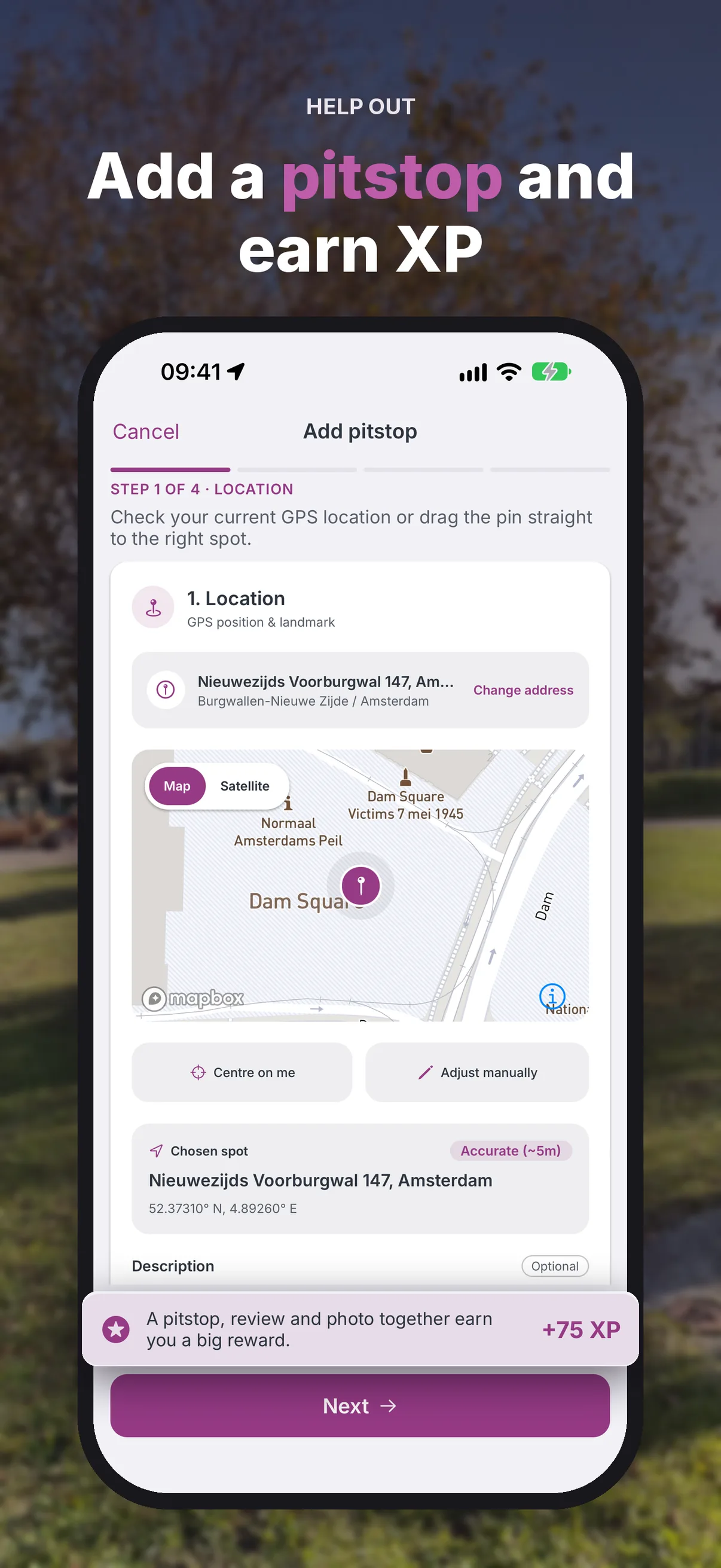
Image: Outdoor Pitstop
The team leaderboard and the monthly trophy
Teams in Outdoor Pitstop appear on a leaderboard per country and for the whole world, per month and for all time. A team counts from 3 members and once it has earned XP. At the end of each month the three best teams in every country and in the world win a team trophy; on the 1st of the month the leaderboard starts again.


Inviting members and the team chat
You invite members with an 8-character code, a QR code or a link. The link opens the app, or otherwise a page on the website with the invitation. The captain decides whether everyone may share the code or only the admins, and can close the team to new members. When removing a member, the captain or an admin can also block that person so they cannot rejoin.
In the team chat you talk to your team, for example about Saturday's route. You choose whether you get a notification for every message, a bundled one or none at all. You can report a message that is out of order; the captain and admins can remove messages. How the rest of the app works is on the page how Outdoor Pitstop works.
On the map
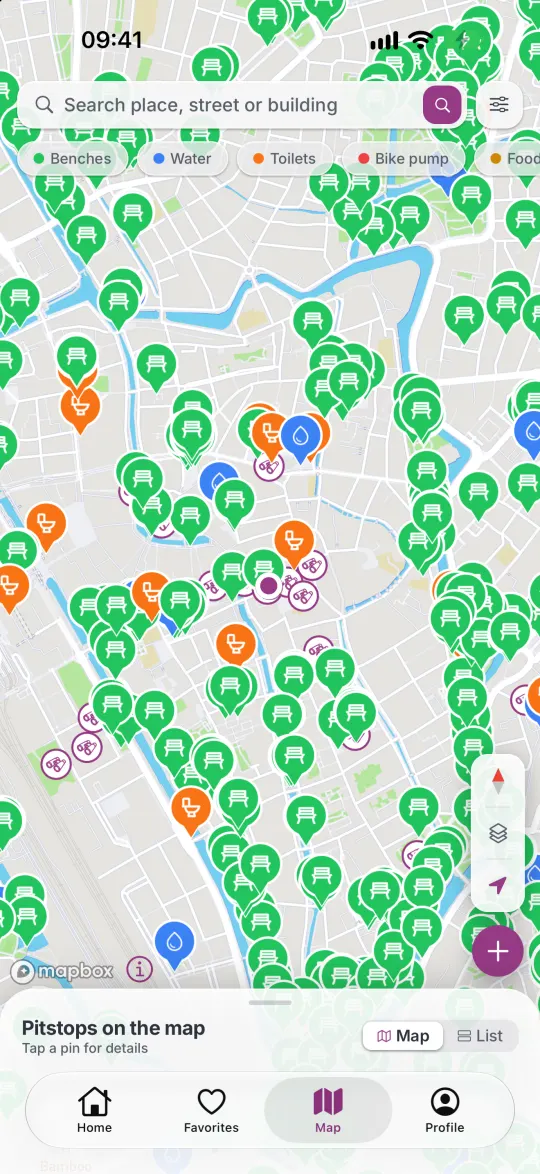
Pitstops in the Netherlands (136,659)
Take Outdoor Pitstop along on your phone
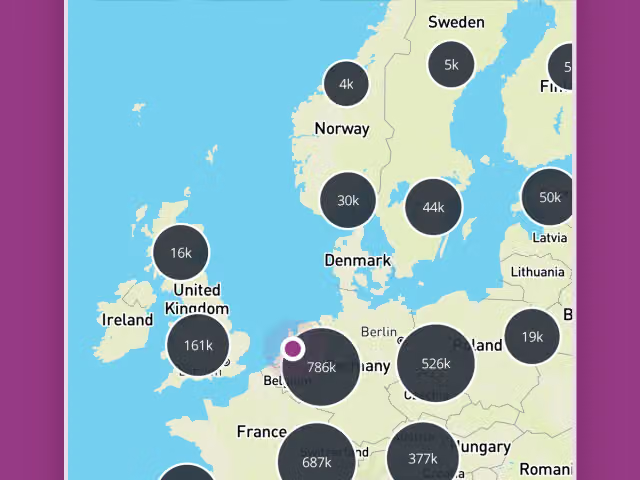
Free · 3.4 million pitstops in 44 countries